No products in the cart.
SVG vs PNG: Which File Format Is Best for Cricut Projects?
If you are starting with Cricut projects, you may have noticed that digital designs often come in different file formats.
Two of the most common are SVG and PNG.
But what is the difference between them, and should you choose an SVG or PNG for Cricut projects?
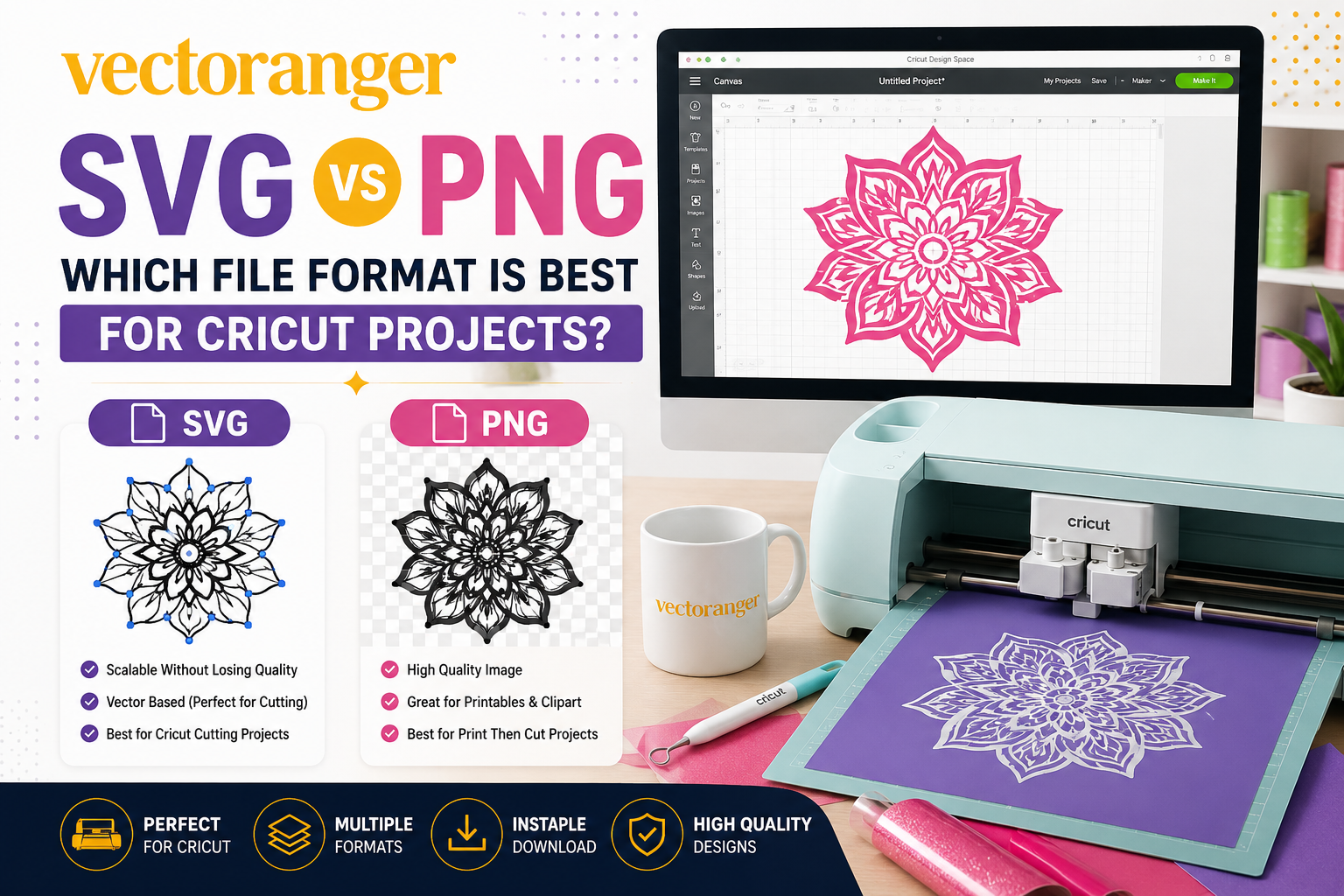
The short answer is simple: SVG is usually the better choice for cutting projects, while PNG can be more useful for clipart, printables, and image-based projects.
Both formats have their place, and understanding the difference can help you choose the right file for your project.
What Is an SVG File?
SVG stands for Scalable Vector Graphics.
Unlike a typical image made from pixels, an SVG is based on vector paths and shapes. This allows the design to be resized while maintaining its vector structure.
Cricut Design Space classifies SVG as a vector image. When you upload an SVG, its cut paths are already defined, so the file can be added to your project without going through the same image-cleanup process used for basic raster images.
This makes SVG particularly useful for:
- Cricut cutting projects
- Vinyl decals
- T-shirt designs
- Paper crafts
- Personalized gifts
- Signs
- DIY decorations
If your main goal is to cut a design with Cricut, SVG is usually the format you should look for first.
What Is a PNG File?
PNG stands for Portable Network Graphics.
PNG is a raster image format, meaning the image is made from pixels rather than vector paths.
PNG files are useful for many digital projects because they can support transparent backgrounds and work well for image-based designs.
At Vectoranger, PNG files are commonly included alongside SVG, DXF, and EPS files. The product descriptions identify PNG as a format suitable for clipart and printables.
PNG can be useful for:
- Clipart
- Printables
- Digital graphics
- Sublimation projects
- Print Then Cut projects
- Image-based designs
However, PNG doesn’t work exactly like SVG when you want to create traditional cut paths.
SVG vs PNG for Cricut: What’s the Difference?
The easiest way to understand the difference is to look at how Cricut Design Space handles each format.
| Feature | SVG | PNG |
|---|---|---|
| File type | Vector | Raster |
| Made from | Paths and shapes | Pixels |
| Resizing | Excellent | Can lose quality when enlarged |
| Direct vector workflow | Yes | No |
| Cut paths | Already defined | Must be created during upload |
| Good for cutting | Excellent | Depends on the image |
| Good for printables | Yes | Excellent |
| Good for clipart | Yes | Excellent |
| Cricut Design Space | Vector upload | Basic image upload |
Cricut currently separates uploaded images into Basic Images and Vector Images. PNG belongs to the basic/raster category, while SVG belongs to the vector category.
For a standard Cricut cutting project, this distinction is important.
Is SVG or PNG Better for Cricut?
For most Cricut cutting projects, SVG is the better choice.
Why?
Because an SVG already contains the vector paths that define the shapes of the design.
When you upload a PNG, Cricut Design Space may require you to clean up the image and define which areas should become cut lines. Cricut’s current upload workflow provides tools for removing backgrounds, cleaning unwanted areas, and defining the cut shape of raster images.
An SVG generally gives you a more direct workflow.
Choose SVG when you want to:
- Cut vinyl
- Create layered designs
- Make paper crafts
- Resize a design
- Work with individual vector elements
- Prepare a design specifically for cutting
Choose PNG when you want to:
- Use clipart
- Create printables
- Work with full-color graphics
- Create image-based designs
- Use Print Then Cut
So, if you are asking “SVG or PNG for Cricut?”, the answer depends on your project—but for traditional cutting, SVG is usually the better option.
Why SVG Is Popular for Cricut Projects
SVG files are popular among Cricut users because they are designed around vector paths.
This can make them easier to resize and prepare for cutting.
Layered SVG files can also be useful for multi-color projects. Cricut states that vector images designed with layers can appear as grouped images in Design Space, and the layers can be separated and adjusted when needed.
For example, a character design may contain several separate shapes that can be arranged into a finished design.
This gives you more flexibility when working with different materials or colors.
When Should You Use PNG Instead?
PNG still has an important role in crafting.
You may prefer PNG when your project is primarily focused on the visual image rather than individual cut paths.
For example, if you are creating a printable design, PNG may be more convenient.
PNG can also be useful when you need a transparent-background image for digital artwork or other print-related projects.
Cricut Design Space supports PNG as a basic image upload and provides editing tools to define the areas that should be used for the project.
So PNG isn’t a “bad” format.
It is simply designed for a different type of workflow.
What About SVG and PNG Files From Vectoranger?
One useful thing about many Vectoranger products is that you don’t necessarily have to choose between SVG and PNG.
Several products include both formats in the same digital download.
That gives you more flexibility depending on the type of project you want to create.
Here are some examples.
Recommended SVG and PNG Designs from Vectoranger
1. Gengar Pokemon SVG
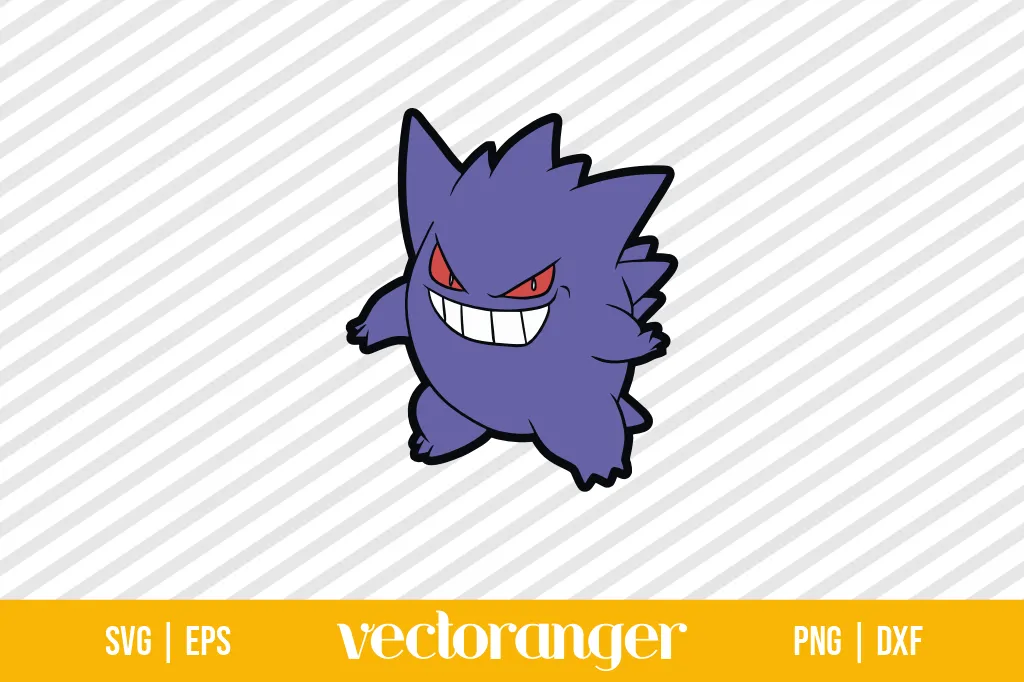
The Gengar Pokemon SVG includes:
- 1 SVG
- 1 PNG
- 1 DXF
- 1 EPS
The Vectoranger product page describes the design for cutting machines, including Cricut and Silhouette workflows. The PNG is intended for clipart and printables.
This makes the design useful if you want both a vector cut-file format and a raster image format.
Best for: Pokemon-themed personal craft projects.
2. Pokemon Ash Ketchum SVG
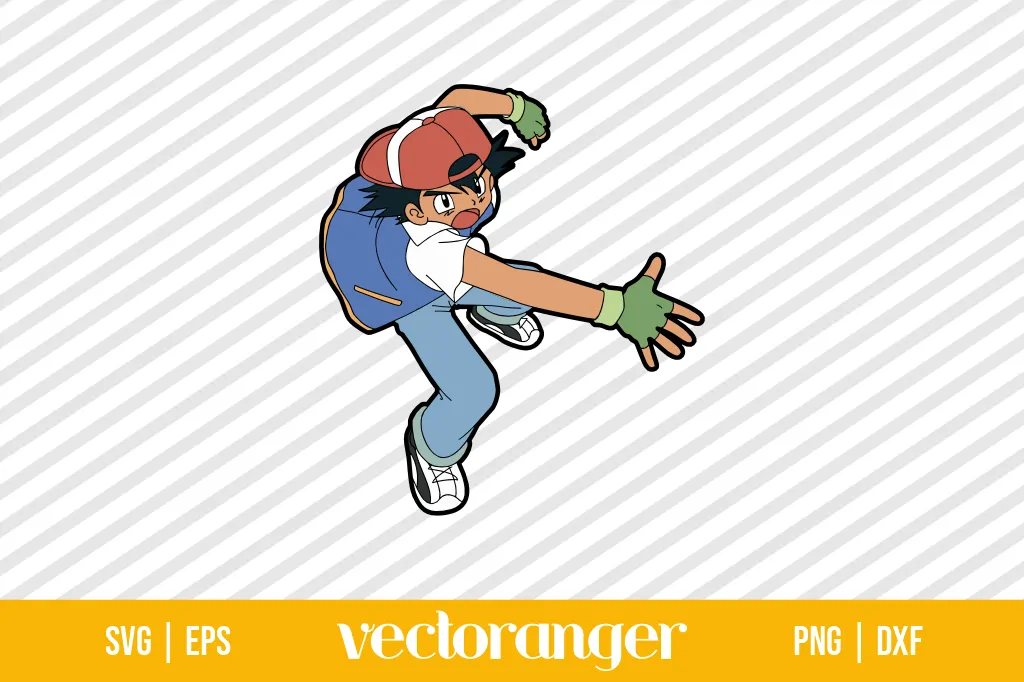
The Pokemon Ash Ketchum SVG also includes:
- 1 SVG
- 1 PNG
- 1 DXF
- 1 EPS
Vectoranger lists it as a cut file for Cricut, Silhouette users, and other compatible cutting-machine workflows.
The SVG can be useful for cutting projects, while the PNG provides another option for clipart and printable workflows.
Best for: Pokemon-themed personal craft projects.
3. Anime One Piece SVG
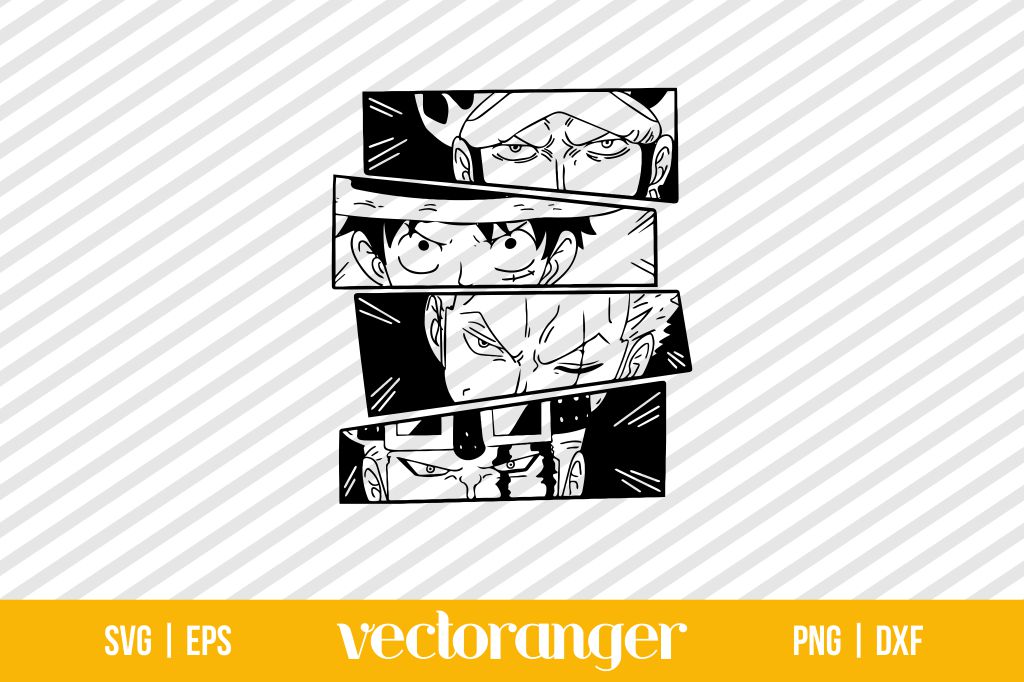
The Anime One Piece SVG includes:
- 1 SVG
- 1 PNG
- 1 DXF
- 1 EPS
The product page describes it for cutting machines, Silhouette users, Cricut, and other compatible workflows.
The included PNG is also described for clipart and printables.
Best for: Anime-inspired personal craft projects.
4. Harry Potter SVG Bundle
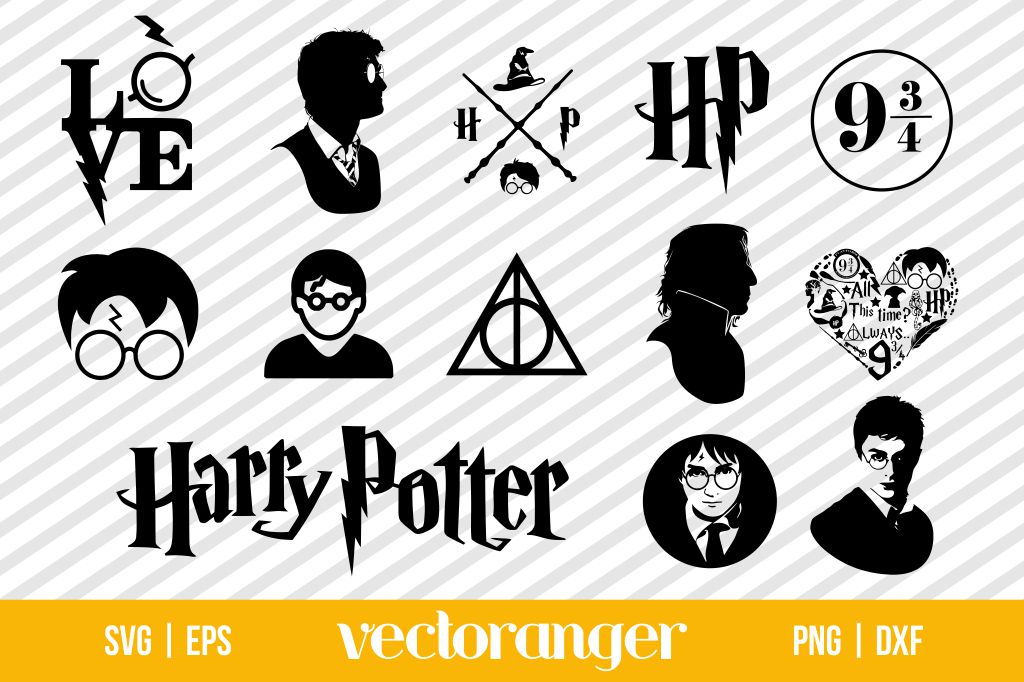
If you want a larger collection rather than a single design, the Harry Potter SVG Bundle includes:
- 13 SVG files
- 13 PNG files
- 13 DXF files
- 13 EPS files
Vectoranger lists the bundle for cutting machines, Cricut, Silhouette users, and other compatible workflows. The product page also specifies a personal license.
The combination of SVG and PNG formats gives you flexibility for both cutting and image-based projects.
Best for: Personal themed craft projects and users who want multiple designs.
5. Grinch Face SVG
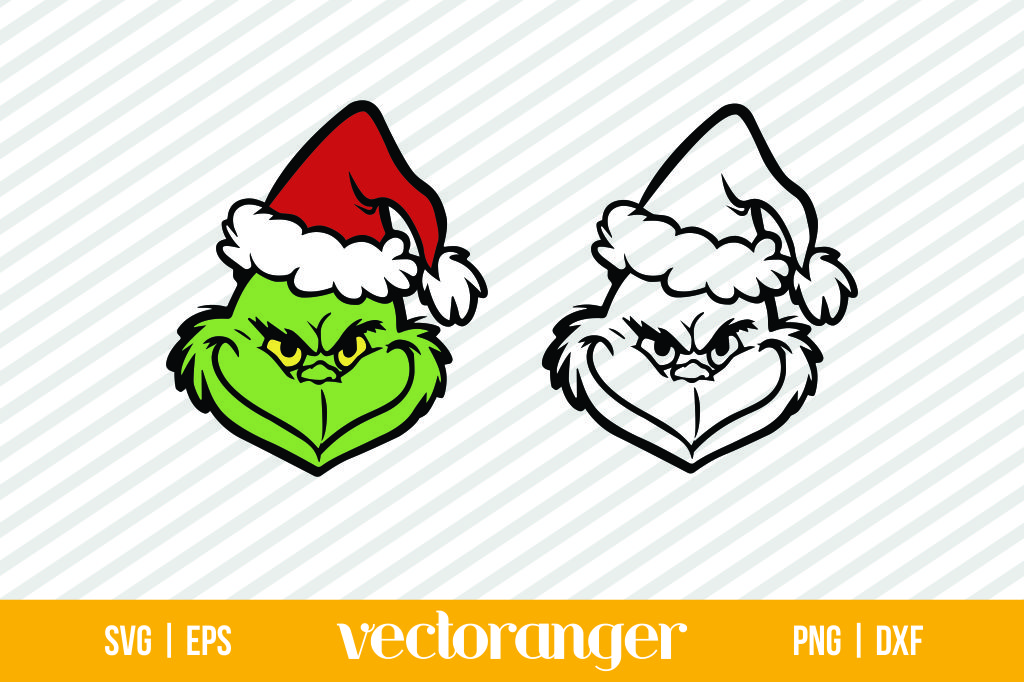
The Grinch Face SVG is a seasonal option for Christmas projects.
The download includes:
- 2 SVG files
- 2 PNG files
- 2 DXF files
- 2 EPS files
Vectoranger describes the files for cutting machines, Cricut, Silhouette users, and other compatible workflows.
Best for: Christmas crafts and seasonal personal projects.
SVG vs PNG: Which One Should You Download?
If you’re buying a digital design for a Cricut project, you don’t always have to choose one format over the other.
If the product includes both, you can simply use the format that matches your project.
Choose SVG if:
You want to cut the design with Cricut.
Choose PNG if:
You want to use the artwork as clipart, a printable, or another raster-based image.
Choose Both if:
You want maximum flexibility for different types of projects.
This is one reason digital bundles that include multiple formats can be convenient.
A Simple Rule for Cricut Beginners
If you’re still unsure which format to use, remember this:
Cricut cutting → SVG
Clipart and printables → PNG
Print Then Cut → PNG can be useful
Vector editing → SVG or EPS
Silhouette workflows → SVG or DXF, depending on your software
This simple rule will help you choose the right file in most common situations.
Final Thoughts
Understanding SVG vs PNG is useful when you’re building Cricut projects or buying digital designs online.
SVG is generally the better choice for traditional cutting projects because it is a vector format with defined paths. PNG is a raster format that can be more useful for clipart, printables, and image-based projects. Cricut Design Space treats SVG and PNG differently during the upload process.
The good news is that many Vectoranger designs include both SVG and PNG, along with other formats such as DXF and EPS. That gives you more flexibility depending on how you want to use the design.
Whether you’re creating a Pokemon project, an anime-inspired craft, a Christmas decoration, or a themed collection, choosing the right file format can make your workflow much easier.
Looking for your next design?